Below, Rusted Gods Operator Tools
Practical aids that sit beside the Guides and Systems manuals.
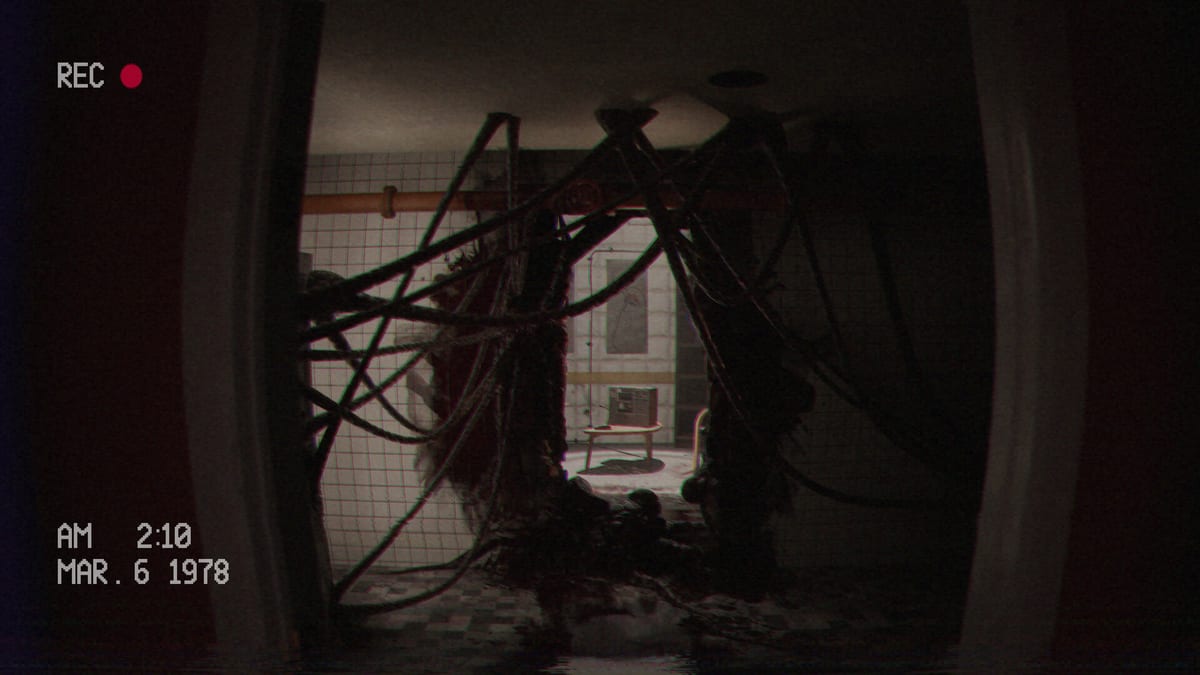
The Tools Hub turns wiki advice into something you can run every session. Start with the Operator Checklist—a repeatable loop for radio, radar, status, tapes, and facility checks. On July 29, 2026 launch morning, open the Day-One Checklist first for store updates, Deck versus PC branching, and spoiler filters. For community links without fake Discord codes, read Discord & Community.
Pages in this hub
- Operator Checklist — repeatable desk loop for every session.
- Day-One Checklist — July 29 unlock procedure and spoiler filters.
- Discord & Community — official community entry, playtest culture, and creator etiquette.
- Accessibility & Comfort — playtest-requested comfort themes: blur, text size, head sway—verify at launch.
- Bug Report Guide — build ID, repro steps, expected vs actual, specs for FromSouthGames reports.
Why tools matter in an Operator game
Below, Rusted Gods punishes incomplete attention more than slow reflexes. A checklist externalizes memory so scares cannot wipe your procedure. Use tools together with Terminals & Radio, Operator Station, and How to Progress.
Suggested workflow
- Open the checklist before launching the demo or full game.
- Skim Controls if you changed devices.
- After the session, note sticky moments for Launch News or personal notes.
- Only consult Endings when you want spoilers.
More interactive widgets may arrive later; the checklist is the foundation.
Tooling philosophy
Tools on this wiki are anti-soft-lock devices. They do not replace curiosity; they protect attention when dread spikes. Start every serious session from the Operator Checklist, then branch into Guides or Systems only for the symptom you have.
Suggested stack
Checklist + Controls + Terminals & Radio + Radar & Status covers ninety percent of demo friction. Add How to Progress when narrative stalls, Cassettes & Lore when tapes pile up, Discord & Community when seeking official playtest links, and Operator Station when you forget geography. New players should still read Getting Started once.
Launch stack
Add Release & Demo, System Requirements, Launch News, and Patch Notes. Keep Endings closed. Tone via Review. Walkthrough via Demo Walkthrough. Parent hubs: Tools, Overview, Updates.
More interactive widgets may arrive later; the checklist is the foundation that makes every other page work under pressure.
Future tools wishlist (editorial)
Possible later additions: printable frequency logs, ending trackers with spoiler covers, and patch diff highlighters. None ship until they stay accurate. For now the checklist carries the load. Supporting literacy: Getting Started, Controls, Operator Station, Terminals & Radio, Cassettes & Lore, How to Progress, Demo Walkthrough, Release & Demo, System Requirements, Review, Launch News, Patch Notes, Endings, Guides, Systems, Overview, Updates, and the Operator Checklist itself.
How Tools appears in the nav
Tools sits beside Guides and Systems so you can grab the checklist without hunting walkthrough prose. Use it as the spine; hang manuals from Guides and Systems off that spine. Overview shopping facts stay in Overview; timed news stays in Updates. Deep links remain one click away: Operator Checklist, Getting Started, Controls, Terminals & Radio, How to Progress, Release & Demo, Launch News.
Closing note
Open the Operator Checklist before every descent. Everything else on this wiki hangs from that ritual.
Frequently Asked Questions
Quick answers for operators on active Steam shifts.
Is the checklist required?
No, but it dramatically reduces soft-locks from skipped instrument cycles.
Does it spoil the story?
No—it is procedural, not narrative.
Where are guides?
See the [Guides Hub](/guides/).